Nothing Happens in General
Coding Interactions Part I · 26 February, 2020
In this two-part project we were asked to identify & design for a highly specific situation using code as a form of prototyping. Specifically, designing a technology-based intervention around the notion of the personal, idiosyncratic & the highly particular.
Working with both the Processing IDE & p5 library, the brief involved designing for digital contexts.
For this project I chose to focus on my younger brother Ross; a passionate fan of the adventure role playing board game Dungeons & Dragons(D&D).
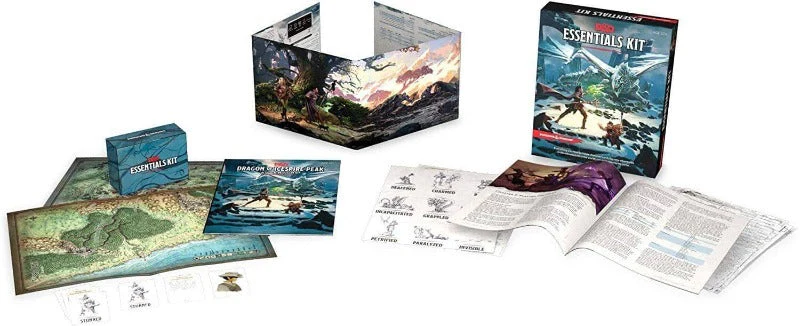
Broken Immersion
D&D has two types of users:
- Dungeon Masters (DMs) → A single storyteller & organiser of the event. They orchestrate all aspects of the game, guiding players as they advance through the fictional narrative; describing what they see & hear.
- Adventurers → A party of players, each role playing as their created characters. These characters embark upon imaginary adventures within a fantasy setting & describe their own actions through speech.
Ross almost exclusively plays D&D as an adventurer. His particular frustration is with how his friend(the DM) transitions between his storytelling & combat. For example:
It's midday Saturday & the D&D session is in full swing. Ross & his party are ambushed by a cunning group of Goblins ... Skittering towards them upon mounts of giant spiders, the Goblins charge. The party braces &...
"Alright lads, step away from the table for a second so I can set up this battle real quick."
Plainly, DMs will break the flow of a game to setup physical dungeons maps on the gaming surface. How might I make the transition between role play & combat more fluid or less disruptive?
Maps
Another way to phrase the design challenge is, how might the DM conveniently change the map & keep all the players at the table?
The most common method of map making involves printing off online material or drawing onto an easy wipe game mat. When dozens of maps are involved, digitisation would be a time saver.
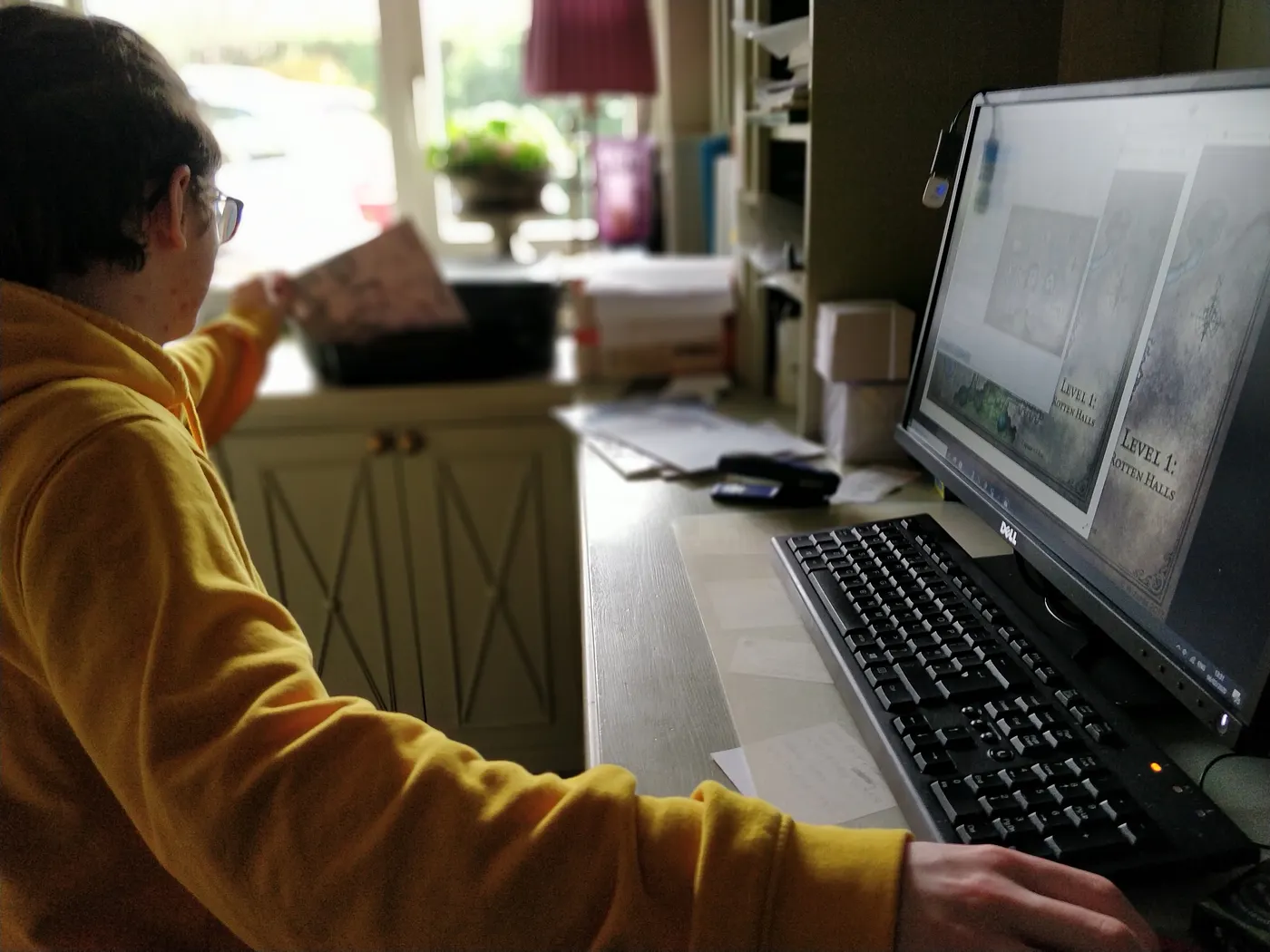
Players will use either tokens or miniatures to keep track of location, range & movement on the map's grid.
To mimic exploration, the DM will hide parts of the map. This is done by either cutting the map up or progressively drawing new landscapes.
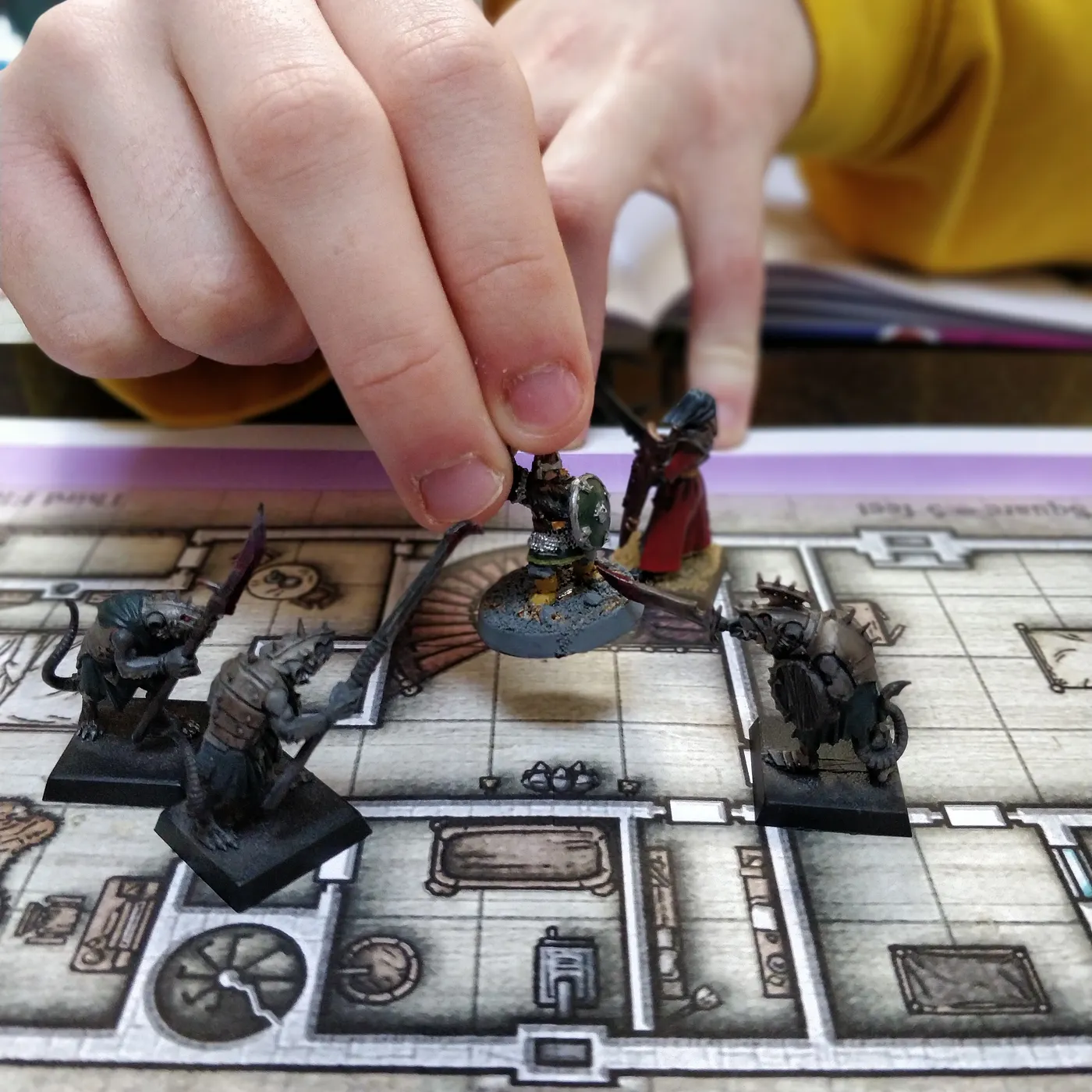
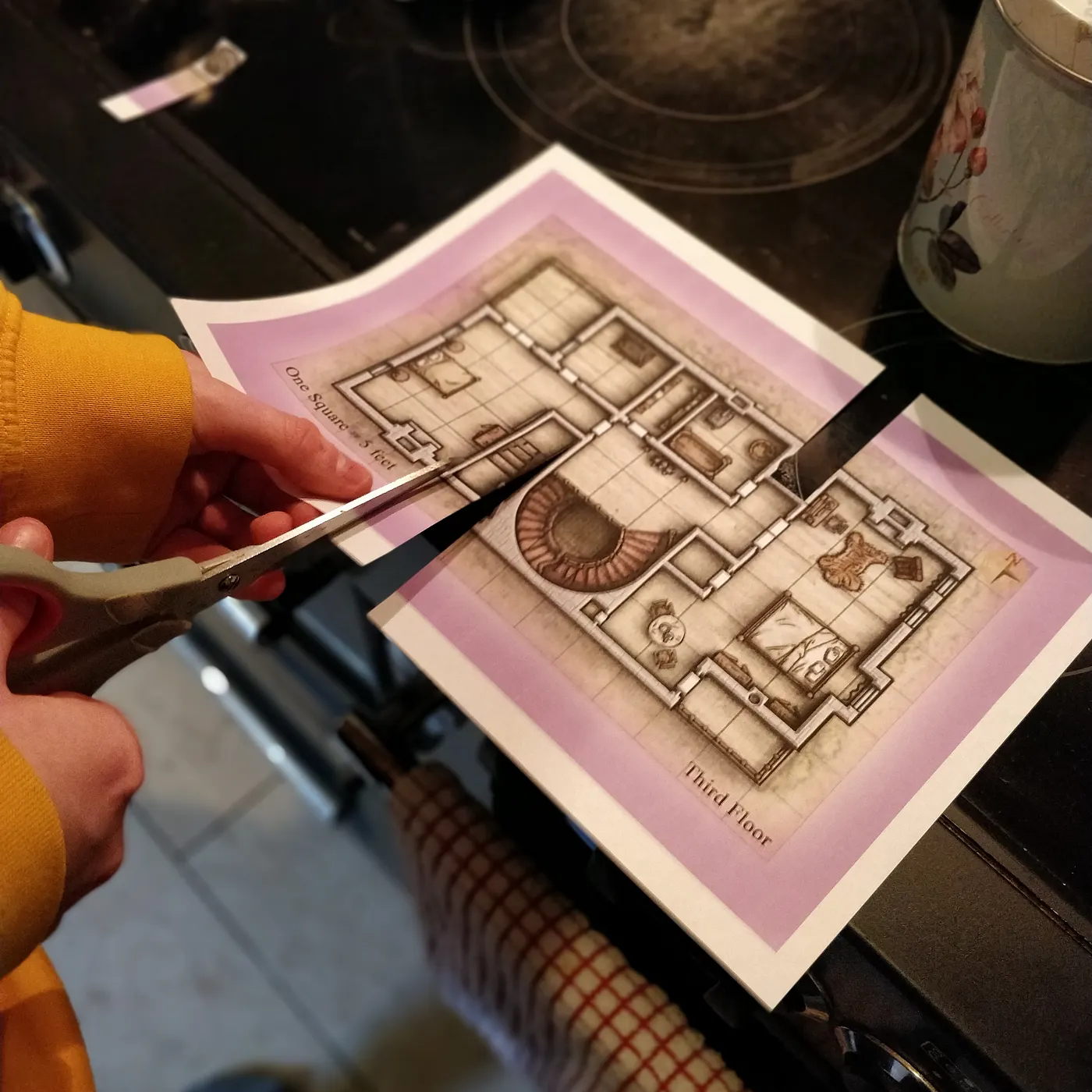
As the maps become more labyrinthine, the risk of miscommunication increases. This periodically takes the DM away from his seat to confirm or clarify actions. It would be ideal if the DM might remain at their station.
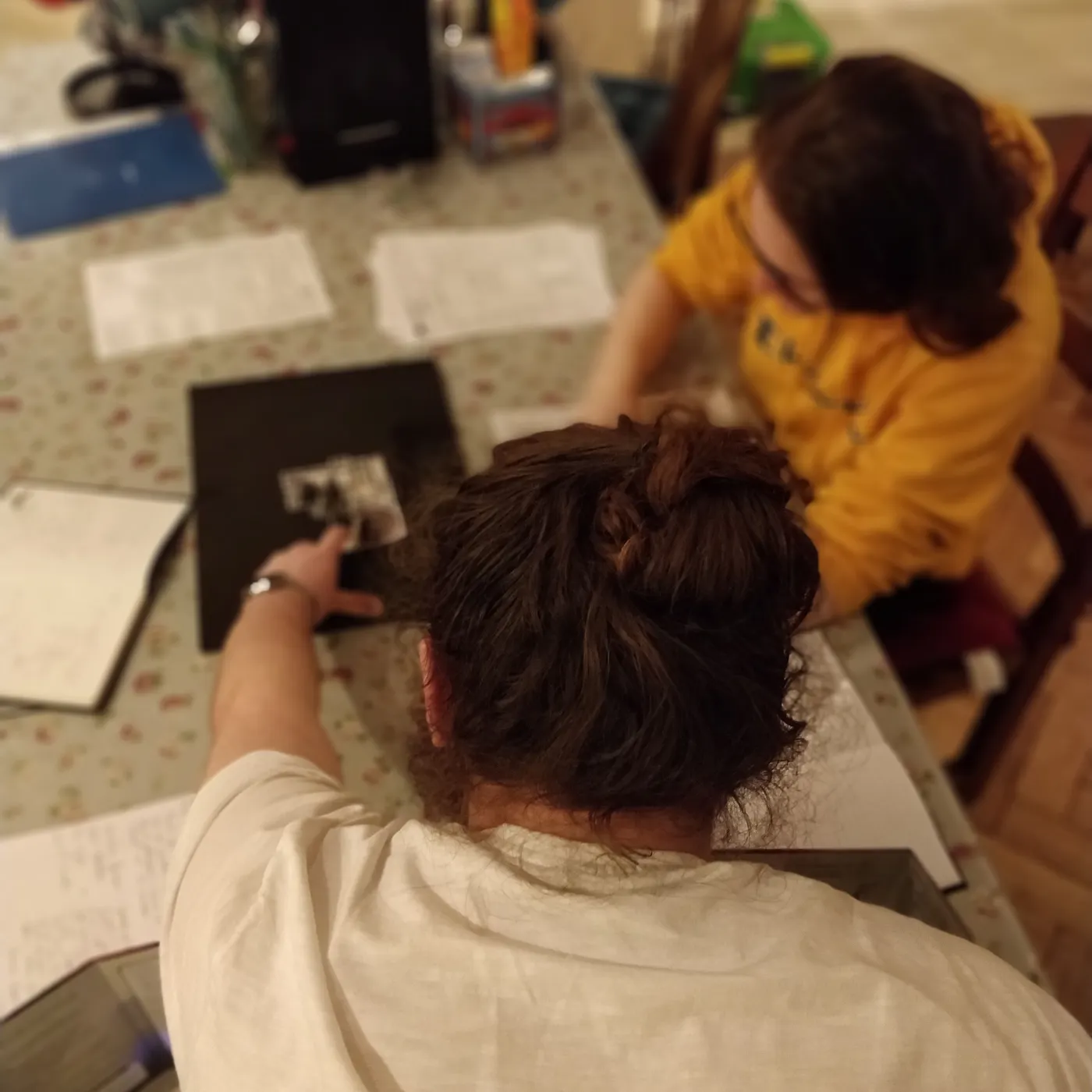
In summary, actionable key insights can be divided by user:
Dungeon Masters (DMs)
- The DM takes their responsibility very seriously. Preparation is important.
- Roughly sketches maps & then copies to the easy wipe game mat.
- Prints off maps & then places them in a binder.
Adventurers
- Unbroken role play is paramount.
- Good communication is important.
- Consistent pacing (turns & actions).
- Environment detail (terrain & line of sight).
Telly in a Table
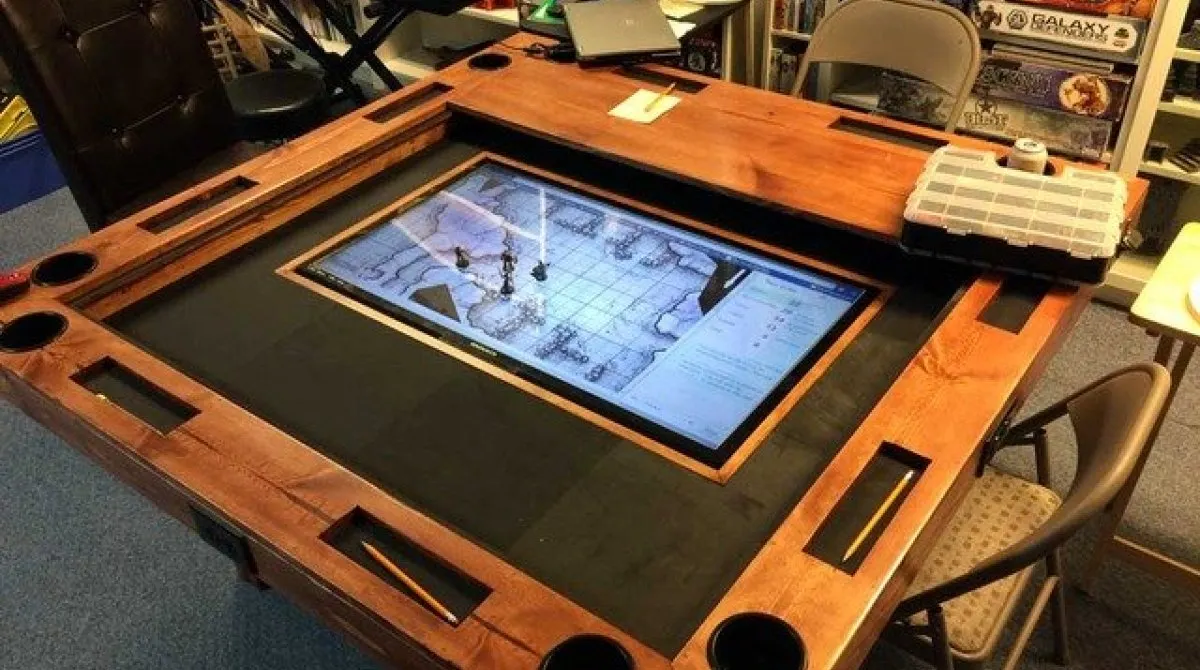
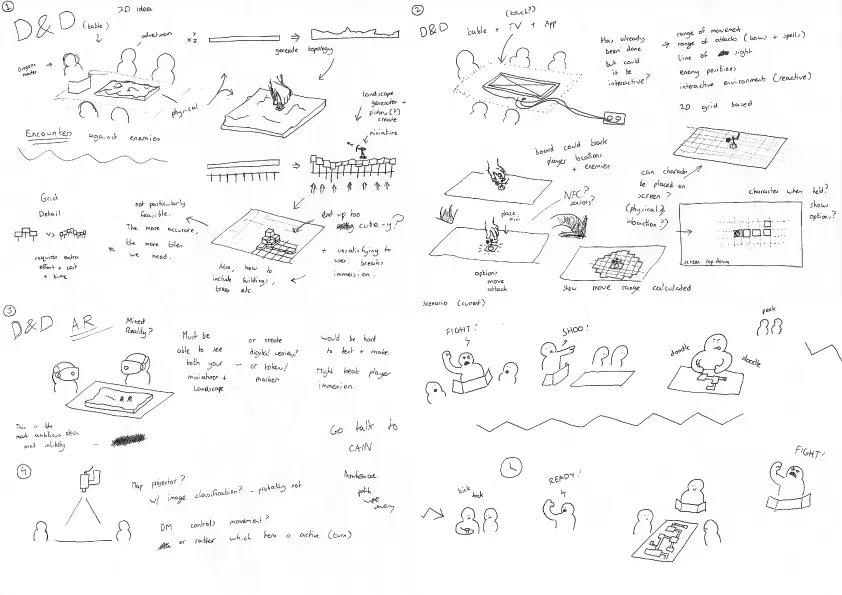
The first iteration focused on the most popular way to play D&D seriously. With a large monitor screen set in the middle of a table.
I wanted to explore touch & haptics. Simply, using miniatures to keep track of movement, range & line of sight.
Begining with paper, I tested a simple representation of a map with hidden areas. Ross' task was to explore the dungeon. His characters position would be tracked & his ranges visualised on the grid.
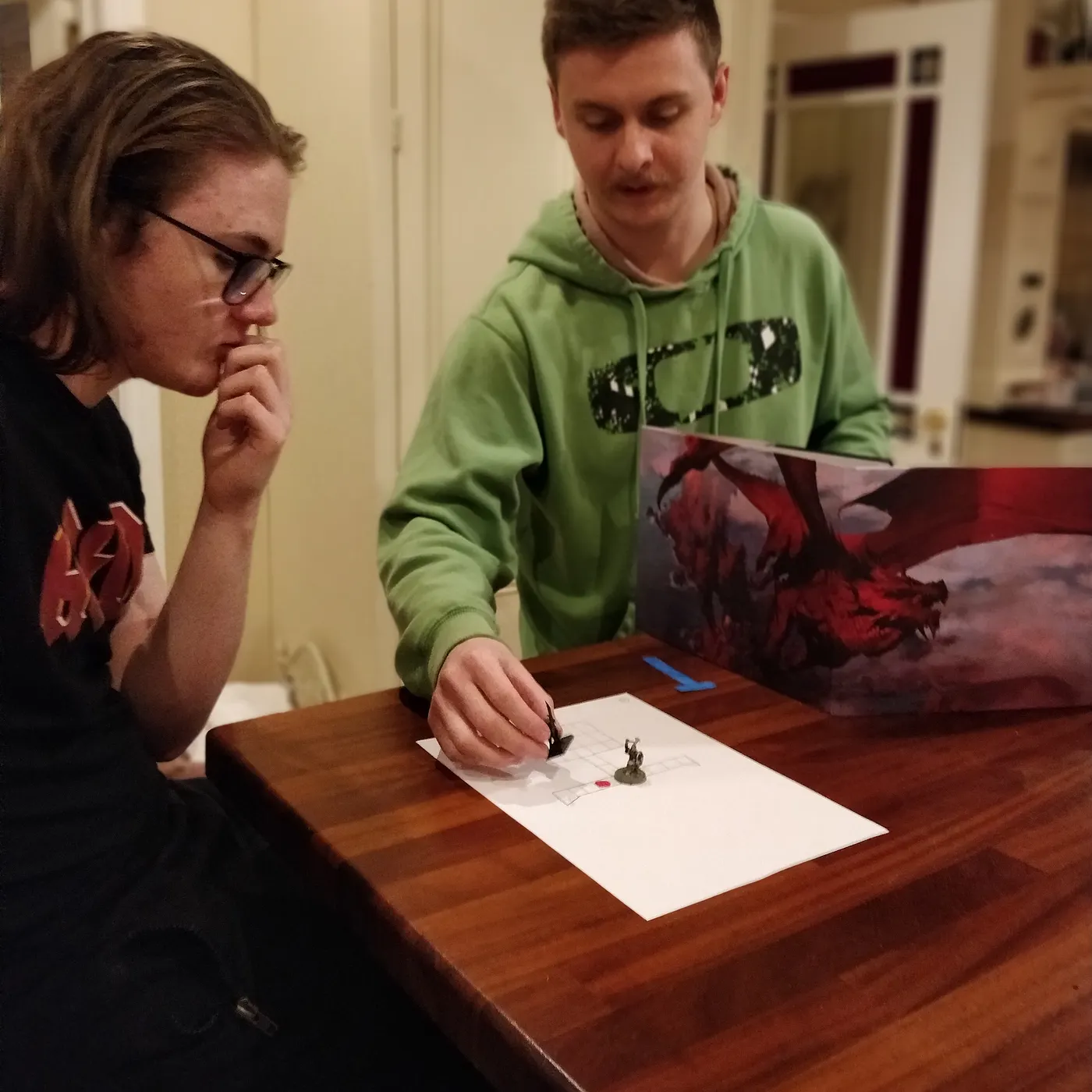
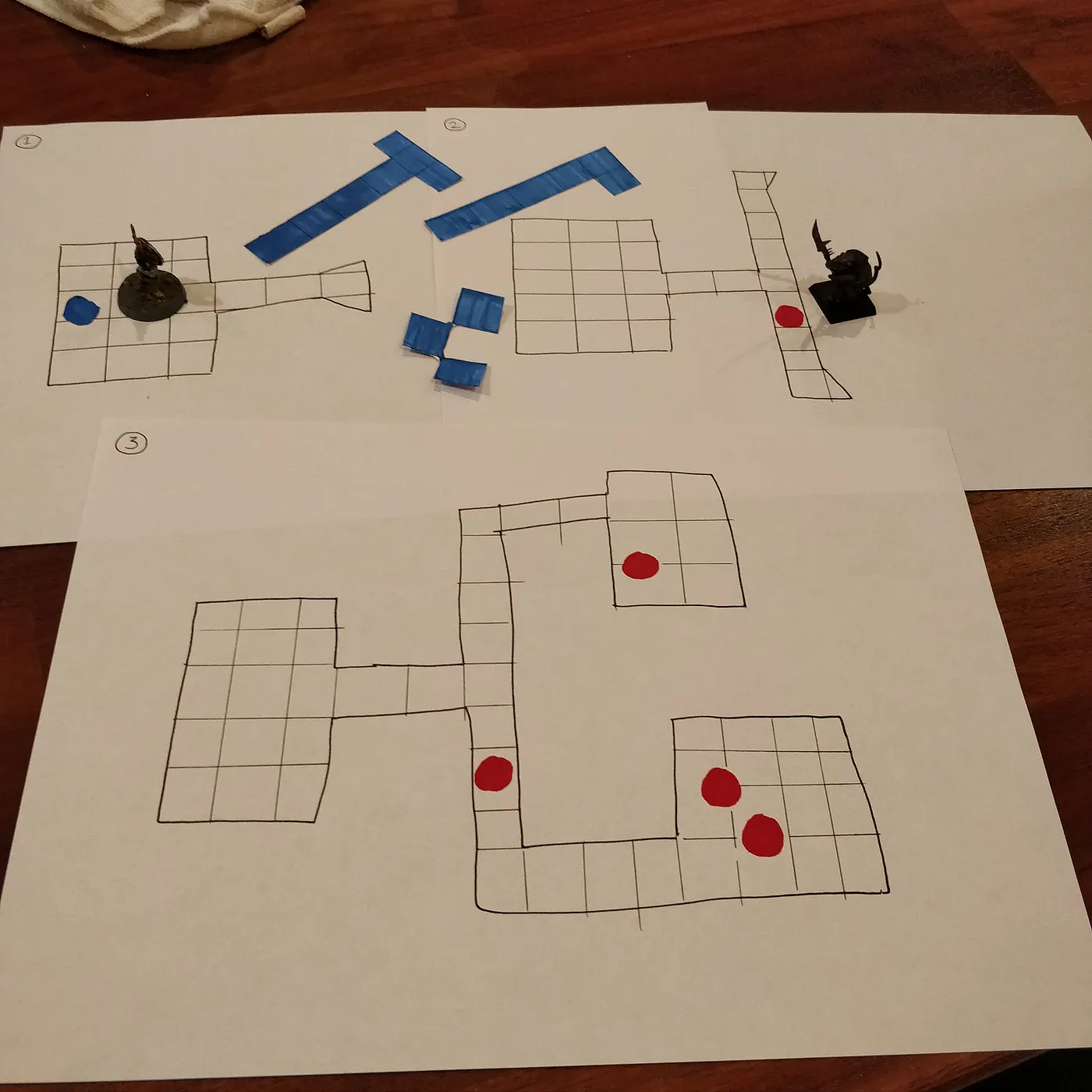
Unfortunately, I wasn't solving the problem. Ross explained that adventurers already keep track of their information on screen. Knowing how far to move or what you can see in a digital format is redundant.
Realistically, touch screen monitors are expensive. My brother & his friends are around the age of sixteen, so it was an unreasonable solution. I went back to the drawing board.
Projection
The second attempt included the use of a projector. The idea was to provide a quick & easy way to setup a game while allowing the DM to hide certain parts of the map.
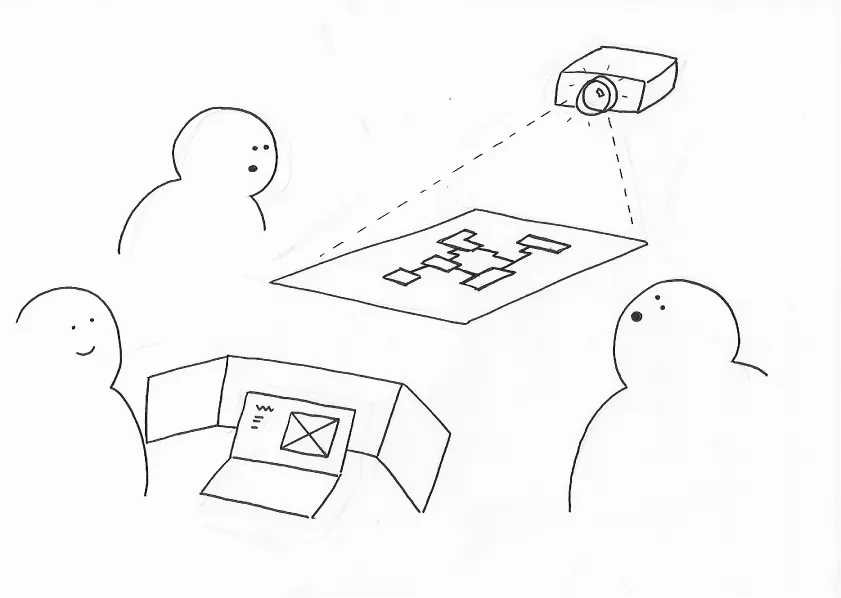
To achieve this, two computer desktop views would be involved:
- One for the DM to manipulate the map on their laptop.
- One for the adventurers to projected the map onto a table.
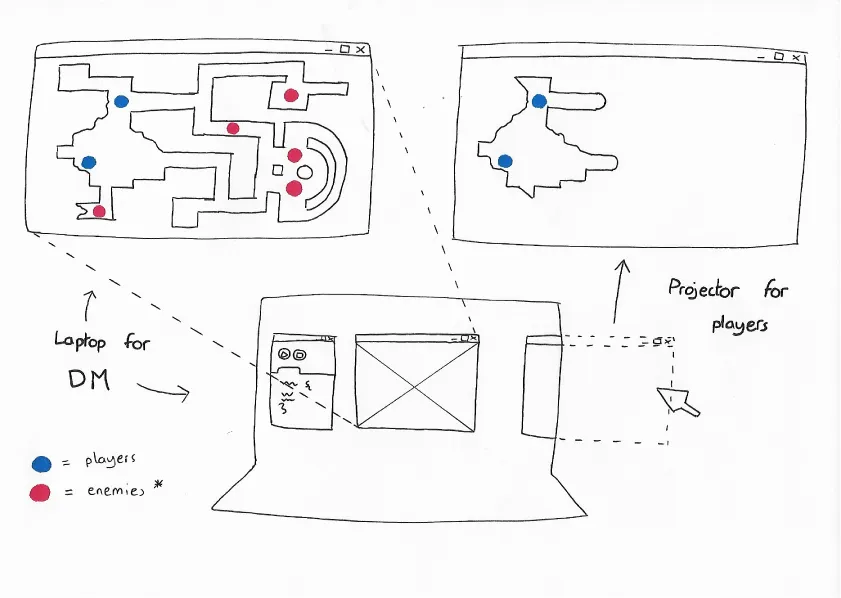
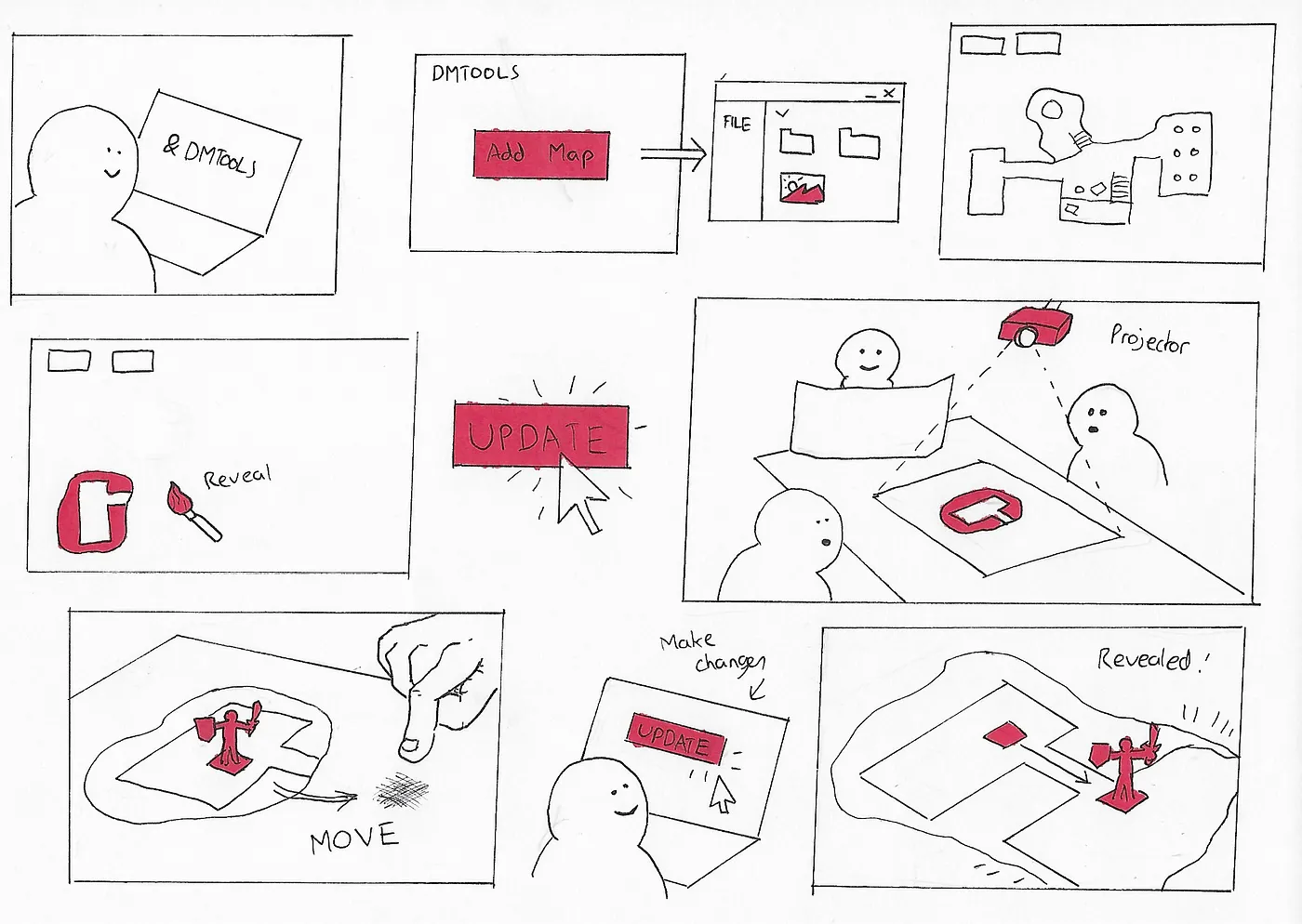
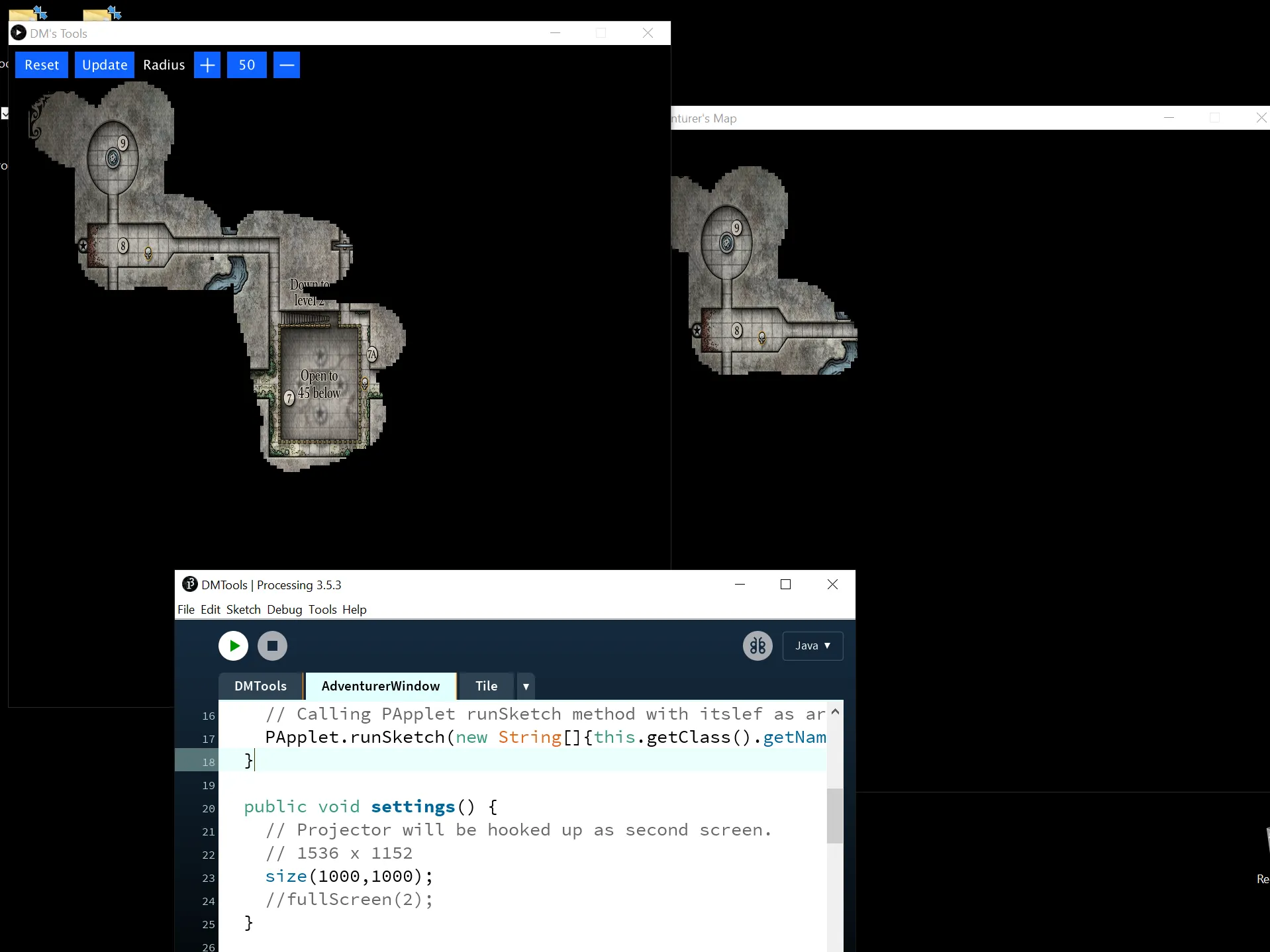
In order to progressively reveal the map, I decided to design a paint brush tool for the DM. When the DM is ready, they may select an option to update the Adventurers' view.
On top of this, I wanted to include a grid system for the DM to mark positions on the Adventurer view.
Processing IDE Prototype
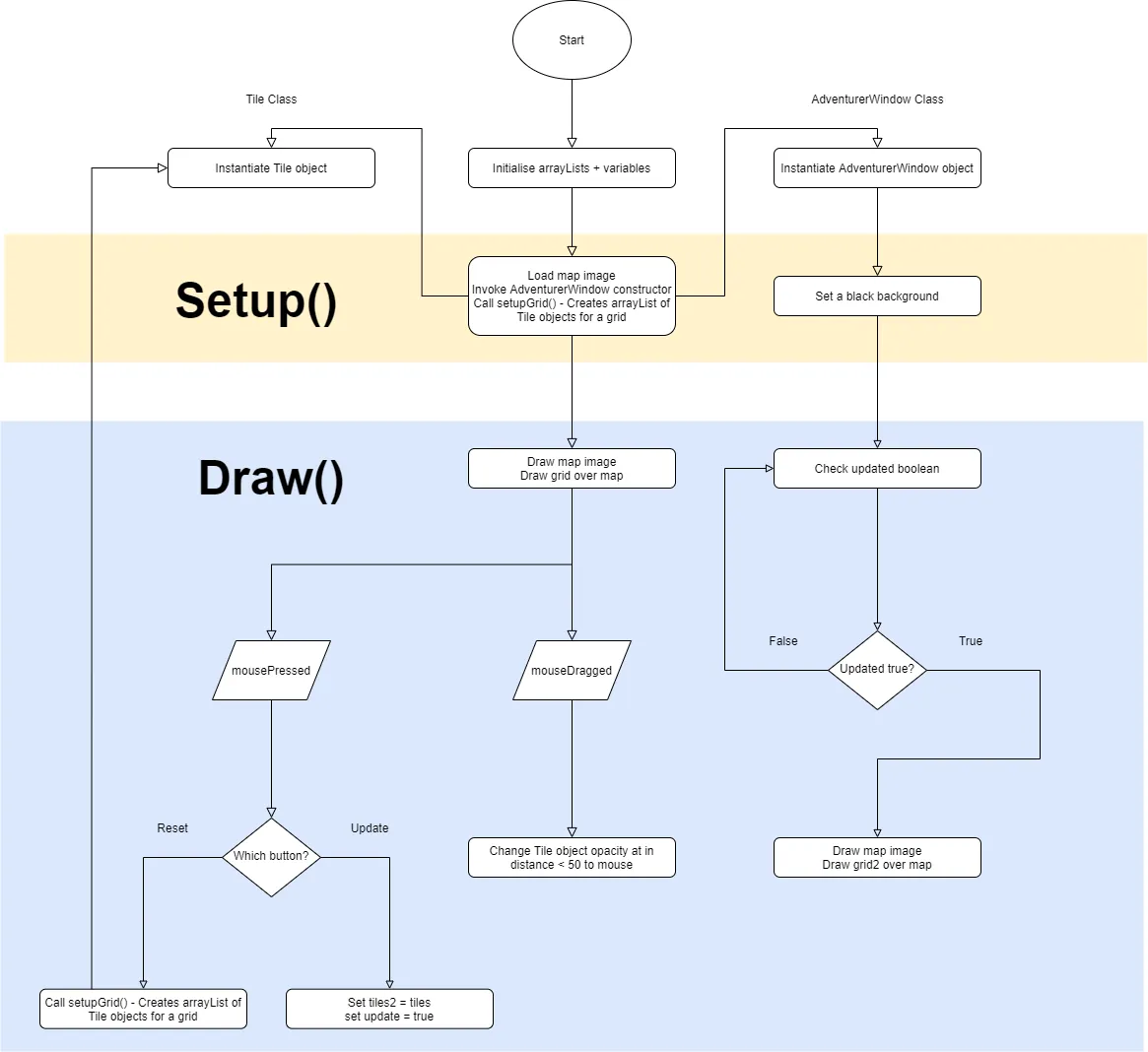
Based on feedback from the paper prototype, I started to code the digital interface with the following features:
- Brush tool to reveal the map.
- Reset & Update tool.
The final interface was basic. Unfortunately, I didn't the time to finish all of the features(grid system & marker). I struggled with the dimensions & drawing of the grid. If the two views (laptop & projector) have different resolutions, then the interface is distorted.
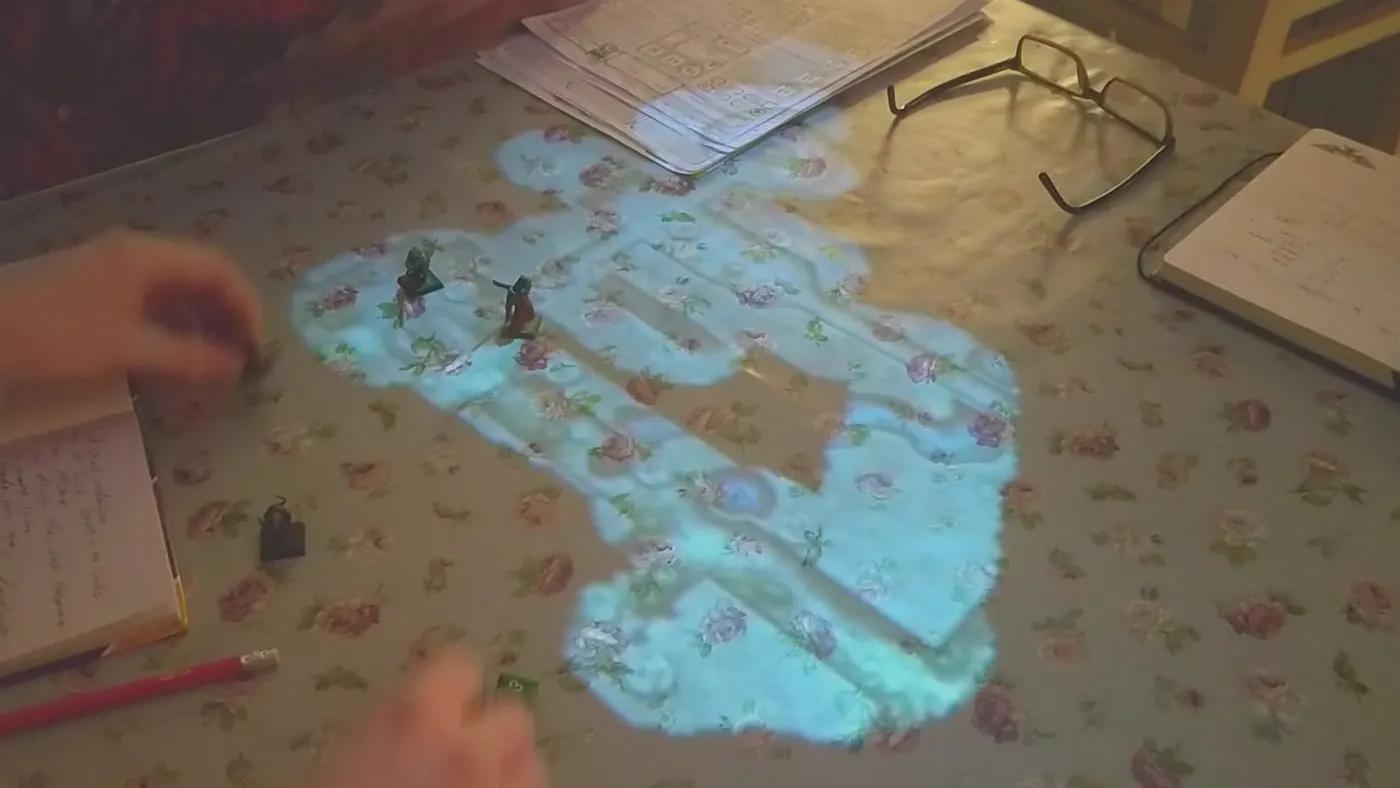
Testing was a mixed bag. The feedback can be divided by user:
Dungeon Masters (DMs)
- Noticeable lag when revealing the map.
- Adding a map image by file path is irritating.
- No marker system.
- No undo/redo.
Adventurers
"You made this? Yeah, this is cool."
- Much better that easy wipe game mats & paper print-outs.
- Keeps the DM in their seat.
- The projector can be quite wobbly.
- Revealing ellipse shapes is not easy to look at.
Recommendations going forward included:
- Fix the lag.
- Change the brush shape (square etc).
- Fix the load map feature (drag/drop/dialog etc.)
- Add undo/redo.
- Show full map toggle.
Learning
This project was really quite challenging. It differed from other projects with the inclusion of a programmed prototype. This highlighted the need to roughly size ideas before proceeding.
It was easy to get sucked into de-bugging, where you feel like you're solving a problem. Where in reality, you're stuck working on a single facet of the full solution.